Home Page


Expanding and exploring the frontiers of science and mathematics.
Get started by exploring our Areas of Study
We prepare the next generation of problem solvers to discover and innovate solutions for the future.
The College of Science promotes novel ways of thinking and implementation in a rapidly changing world.
We provide our scholars with hands-on experience, cross/multi-disciplinary research, and faculty and staff mentors who not only educate but inspire our scholars.

Next Steps to Enroll
From deposit to housing, view the first five steps for accepted first-year students.
Visit Us on Campus
Tours and information sessions are offered six days a week or you can explore other ways to experience RIT.

Faces of RIT
-
![Jennifer Wheeler, M.D.]()
Giving Back
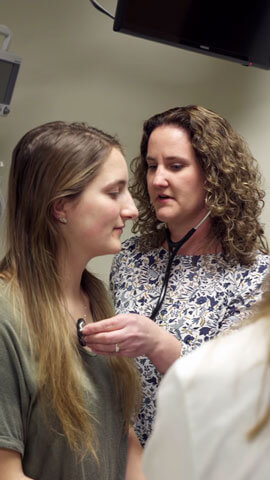
Jennifer Wheeler, M.D. BS ’01BiotechnologyFamily MedicineAfter 9/11, Wheeler enlisted in the US Army and served as a doctor in Afghanistan. Now, she practices family medicine and serves as a preceptor to RIT students who are embarking on their own careers in medicine.
-
![Kevin Kha using a VR headset.]()
Enhancing Reality
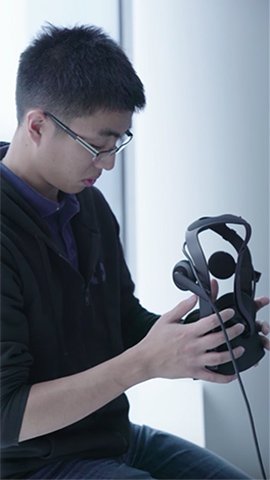
Kevin KhaImaging ScienceKha interned with Oculus testing their next generation of VR cameras, which have the potential to aid law enforcement and impact learning in schools. The internship turned into a full-time job, and Kha plans to work on enhancing the VR experience.
-
![Nicole Pannullo working in a chemistry lab.]()
Medicine's Future
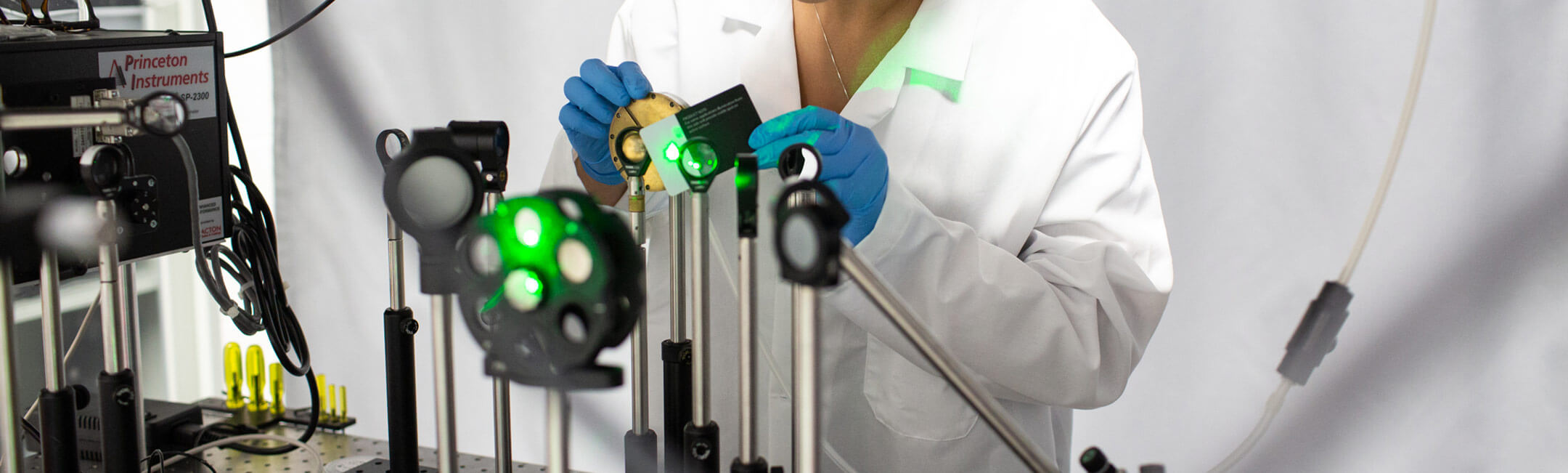
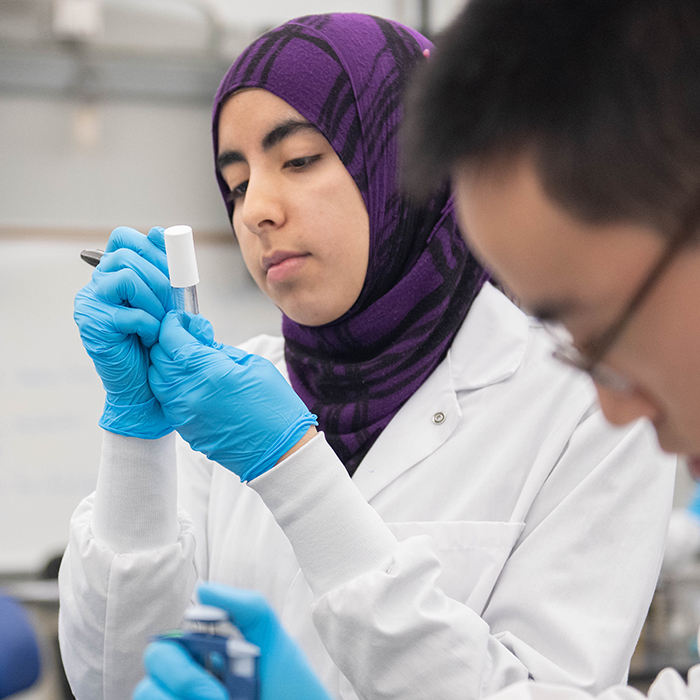
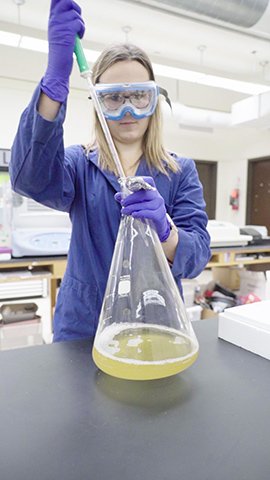
Nicole PannulloBiochemistryBy working on a faculty-guided research project, Pannullo has gained hands-on research experience to pursue a future in regenerative medicine. It’s one way Pannullo is putting experiential learning to work.
-
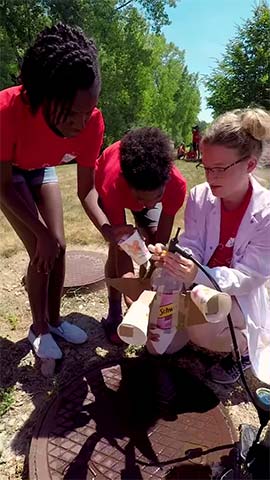
![Devon Christman conducting a science experiment with some kids.]()
Connecting Kids to Science
Devon M ChristmanPhysicsOver the summer, Christman taught a workshop called “Experiments in Science” to a group of children from RIT’s Kids on Campus program. By helping to change their perspectives on who and what a scientist is, Christman is shaping the minds of tomorrow’s scientists.
-
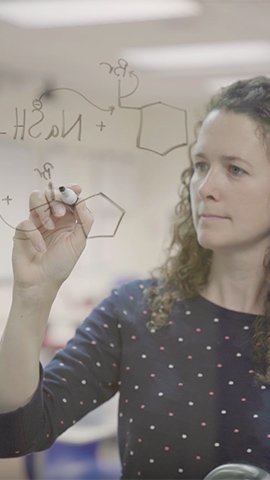
![Professor Tina Goudreau Collison writing a chemistry formula.]()
Expanding ASL
Tina Goudreau CollisonProfessor of ChemistryA complicated vocabulary and a lack of dedicated signs in American Sign Language makes Organic Chemistry a challenge for deaf and hard of hearing students. Collision worked with interpreters to develop new ASL signs, leading to profound learning improvements for her students.
Latest News
-
April 22, 2024
![5 people are shown sitting around a table with microphones in front of them. They are looking at the camera and smiling.]()
Humans consume about a credit card's worth of plastic each week; local researchers discuss how to prevent it
WXXI's Connections with Evan Dawson interviews Christy Tyler, professor in the Thomas H. Gosnell School of Life Sciences, and Matthew Hoffman, professor in the School of Mathematics and Statistics, about their research on microplastics.
-
April 22, 2024
![a colorful background is set behind the text Futurists Symposium.]()
RIT alumni and faculty innovators to speak at Futurists Symposium on April 26
A highlight of this year’s Imagine RIT: Creativity and Innovation Festival takes place one day before thousands of visitors descend on campus. The annual Futurists Symposium, featuring a unique collection of the university’s alumni and faculty innovators, will be held at 4 p.m. on Friday, April 26, in the Wegmans Theater, MAGIC Spell Studios.
-
April 22, 2024
![a closeup of microplastics on human fingers.]()
New research effort seeks to tell us how microplastics get into Lake Ontario and what they do to us
WXXI talks to Christy Tyler, professor in the Thomas H. Gosnell School of Life Sciences, and Matthew Hoffman, professor in the School of Mathematics and Statistics, about their research on microplastics.
-
April 22, 2024
![The SHED is shown in the background as students mill about the outside area and walk past it.]()
The SHED marks its Imagine RIT debut April 27
The SHED, touted as the new heartbeat of campus, makes its Imagine RIT debut this year. This multi-use facility embodies RIT's blend of technology, the arts, and design, offering a vibrant hub for creativity, interdisciplinary learning, and innovative performances year-round.