|
1
|
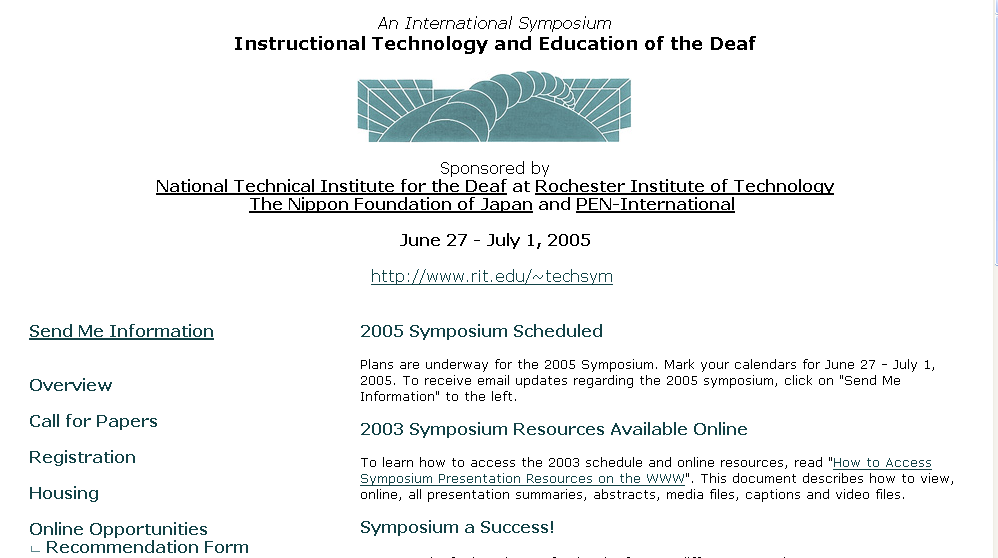
- E. William Clymer
- John Macko
- PEN-International
- http://www.rit.edu/~techsym
|
|
2
|
- June 23-27, 2003
- Sponsored by:
- NTID
- Nippon Foundation
- PEN-International
- 275 Participants
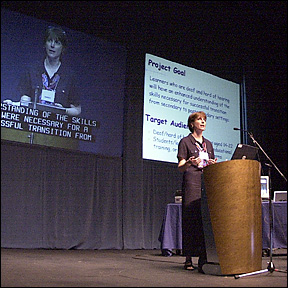
|
|
3
|
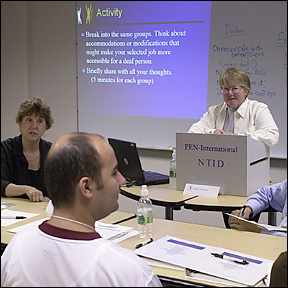
- Curriculum Level
- Postsecondary 54%
- K-12 22%
- Other 24%
- Teachers 24%
- Administrators 24%
- Tech Support Specialists 17%
- Researchers 12%
- Instructional Technologists 5%
|
|
4
|
- 3 Plenary Addresses
- 38 Concurrent Presentations
- 24 Poster Sessions
- 11 Commercial Exhibits
- 15 Pre-Symposium Workshops
|
|
5
|
|
|
6
|
|
|
7
|
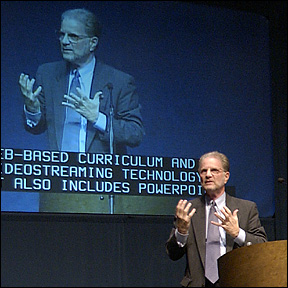
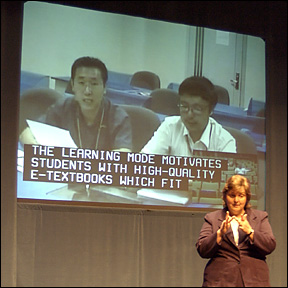
- Skilled Interpreters
- Communication Facilitators
- Real-Time Captioning
- Real-Time Graphic Display
- Assistive Listening Devices
|
|
8
|
- Skilled Interpreters
- Communication Facilitators
- Real-Time Captioning
- Real-Time Graphic Display
- Assistive Listening Devices
|
|
9
|
- 4 Strands
- Using Technology to Support Learning (54%)
- Online and Distance Education (24%)
- In-Service/Pre-Service Strategies for Educating Teachers in Technology
(14%)
- Assessing the Impact of Technology in the Teaching/Learning Process
(10%)
|
|
10
|
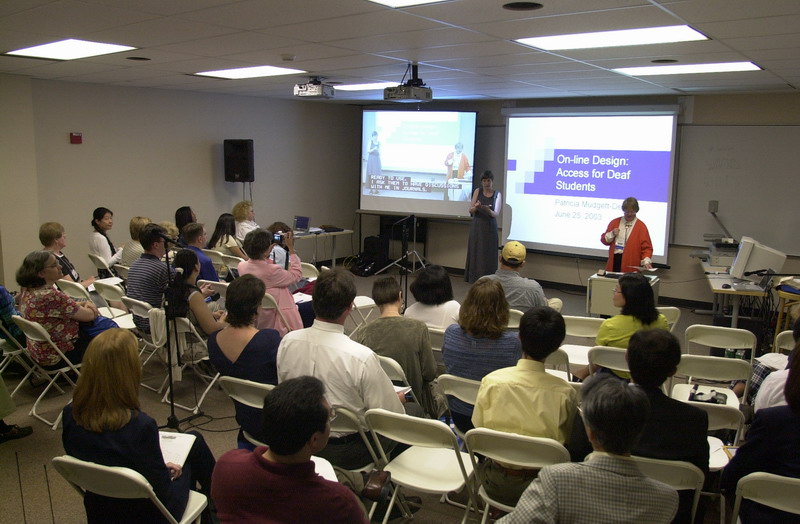
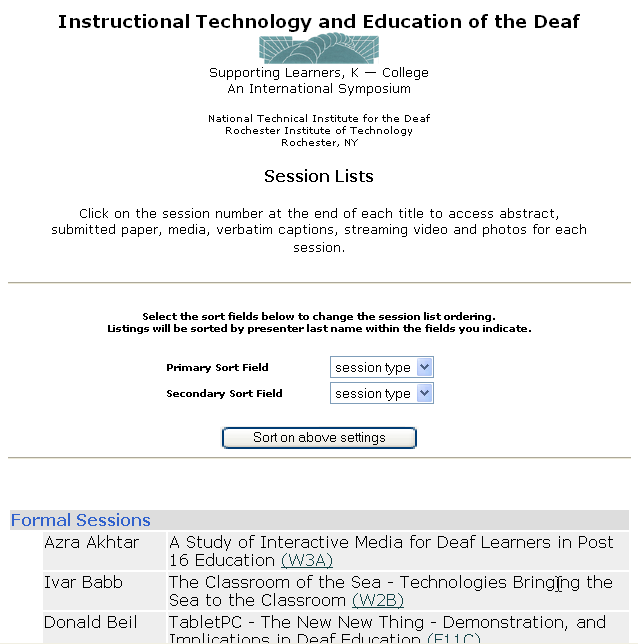
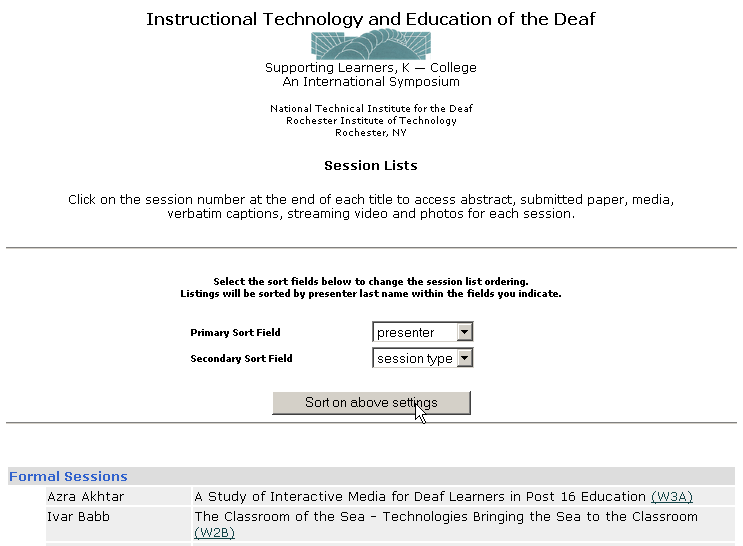
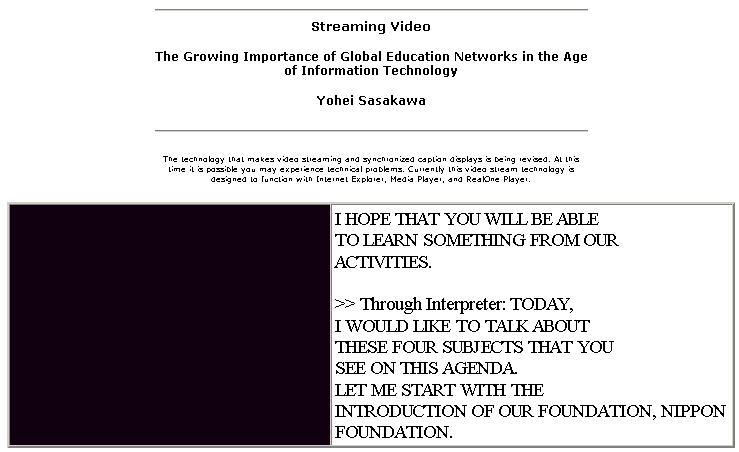
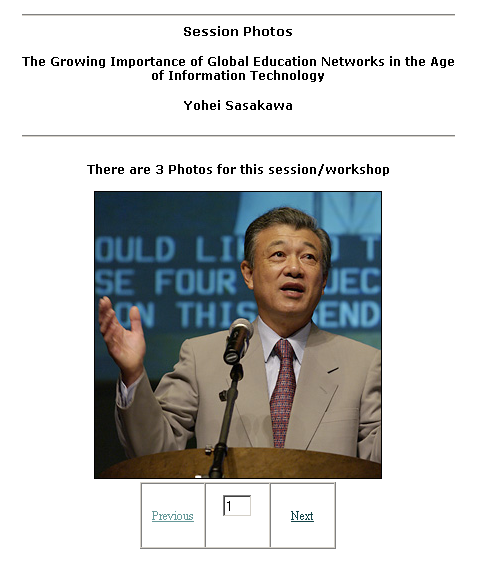
- Each plenary, concurrent, poster and workshop on WWW.
- Papers, presentation media, caption files, video and photos.
|
|
11
|
- Hands-on opportunity for skill development
- 98 people attended
|
|
12
|
|
|
13
|
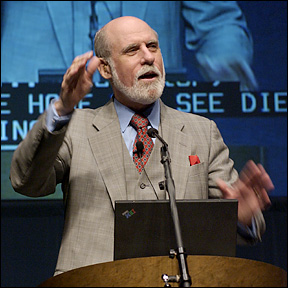
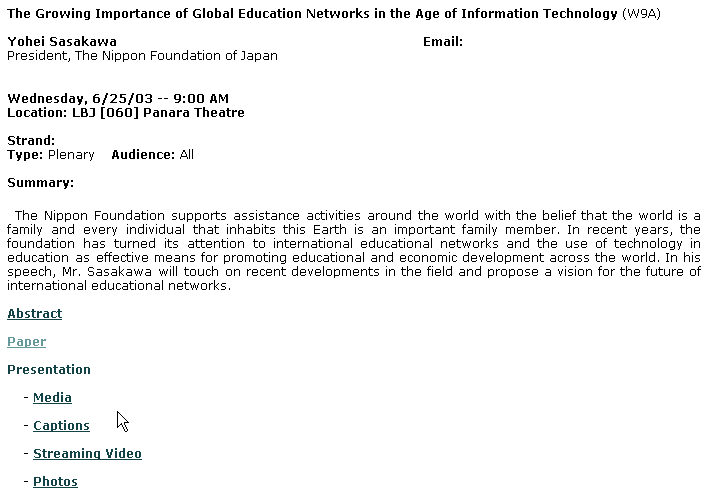
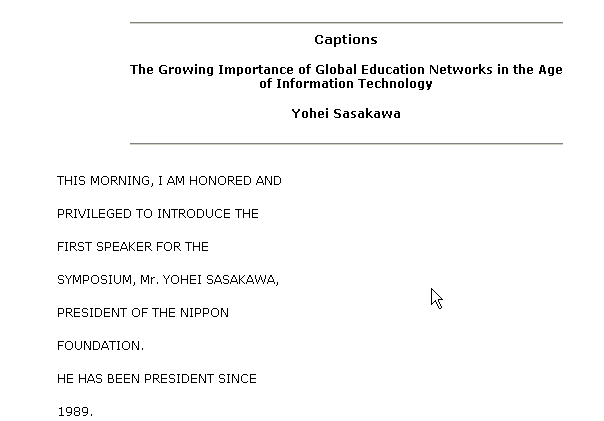
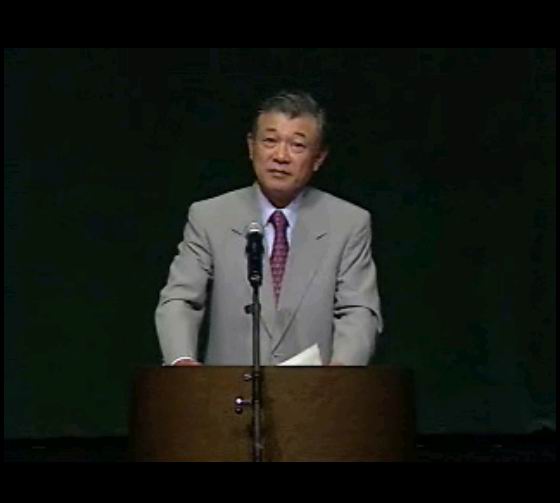
- Mr. Sasakawa
- Dr. Shaw
- Dr. Cerf
|
|
14
|
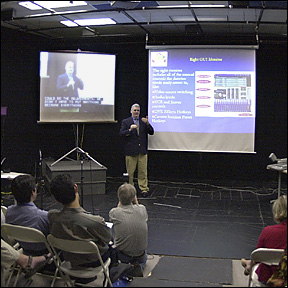
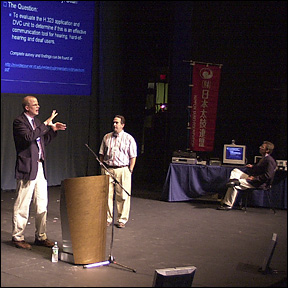
- 38 Formal Presentations
- 30 Minutes for presentation; 15 discussion
- 4 Sessions held concurrently
|
|
15
|
|
|
16
|
- “Using Technology to Support Learning” (W3C)
- “Mainstream Educational Software (T10B)
- “Distance Learning Science Project” (T10D)
- “Use of Web-based Technology in Teaching Reading and Writing to Deaf
Students” (T2B)
- “Join Together:…” (T3D)
|
|
17
|
- Susan Schatz
Laurent Clerc National
- Deaf Education Center
Email: susan.schatz@gallaudet.edu
- Francisca Rangel
Layce Reed
Wednesday, 6/25/03 -- 3:00 PM
Location: LBJ [060] 2590
Strand: Using Technology to Support Learning
Type: Formal Audience: K-12
Summary: This presentation will share how a team of
teachers tackled the tough job of teaching multiple-meaning words by
using technology. The teachers used a collaborative and integrated
approach that allowed students to create interactive stories using
presentation software and digital video.
|
|
18
|
- Rosemary Stifter
Laurent Clerc National
- Deaf Education Center
Email: rosemary.stifter@gallaudet.edu
- Nancy Topolosky
Thursday, 6/26/03 -- 10:00 AM
Location: LBJ [060] 1510
Strand: Using Technology to Support Learning
Type: Formal Audience: K-12
Summary: Since there is little software specifically
designed for elementary deaf children it does not mean we need to stop
our search. This presentation will take a discerning look at good
mainstream educational software which can be used effectively with Deaf
children.
|
|
19
|
- Jennifer Powers
Marie H. Katzenbach
- School for the Deaf
Email: jpowers1970@hotmail.com
- Barbara Strassman
Thursday, 6/26/03 -- 10:00 AM
Location: LBJ [060] 3237
Strand: Online and Distance Education
Type: Formal Audience: All
- Summary: Through funding from the National Science
Foundation, New Jersey's Marie H. Katzenbach School for the Deaf has
facilitated a project using interactive television and other
technologies to enhance teaching and learning for K-8 students across the
state. This presentation will highlight the effective use of ITV and
other technology resources.
|
|
20
|
- Rose Marie Toscano
NTID/RIT
Email: rmtnge@rit.edu
Thursday, 6/26/03 -- 11:00 AM
Location: LBJ [060] 1510
Strand: Using Technology to Support Learning
Type: Formal Audience: All
Summary: This presentation will focus on how
traditional classroom instruction can be complemented by the use of
web-based technology to create a "hybrid learning"
environment. A web-based instructional development tool created by Simon
Ting called IdeaTools, and more specifically, the Reading/Writing Tutor,
will be demonstrated and its uses in the development of reading and
writing skills for deaf students will be discussed. There will also be
discussion on how this technology can help students and teachers prepare
more effectively for classroom instruction.
|
|
21
|
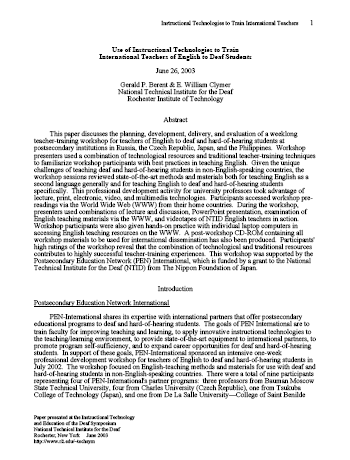
- Gerald Berent
NTID
Email: gpbnci@rit.edu
- E. William Clymer
Thursday, 6/26/03 -- 2:00 PM
Location: LBJ [060] 1510
Strand: In-Service/Pre-Service Strategies
Type: Formal Audience: All
Summary: The presenters will discuss the planning,
development, delivery, and evaluation of a weeklong teacher-training
workshop for international teachers of English to deaf and
hard-of-hearing students at postsecondary institutions. The successful use
of instructional and multimedia technologies for pre-workshop readings,
workshop presentations, hands-on activities, and post-workshop
dissemination will be demonstrated.
|
|
22
|
- Harold Johnson
Kent State University
Email: hjohnson@kent.edu
- Karen Dilka
Donna Mertens
Thursday, 6/26/03 -- 3:00 PM
Location: LBJ [060] 3237
Strand: Using Technology to Support Learning
Type: Formal Audience: All
Summary: Join Together represents a nation-wide
collaborative effort to reduce isolation and enhance education through
the innovative and collaborative use of Internet linked technologies and
resources. The presentation will focus upon the use of H323 web based
video conferencing technologies to identify, share, and support
innovative and effective teaching and learning.
|
|
23
|
- 24 Poster sessions
- 12 at one time
- Opportunity to discuss and try
|
|
24
|
- No other symposium events scheduled
- Networking opportunity
|
|
25
|
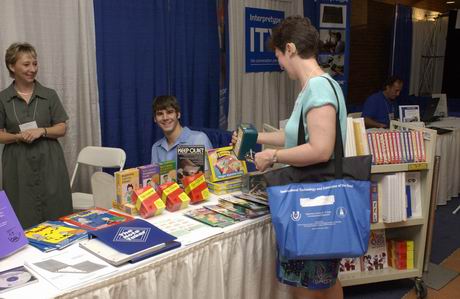
- 11 Organizations with products and services
- Relevant to participants
- Available all day during symposium
|
|
26
|
- All concurrent presentations were videotaped for streaming
- Sessions sent live to American School for the Deaf
|
|
27
|
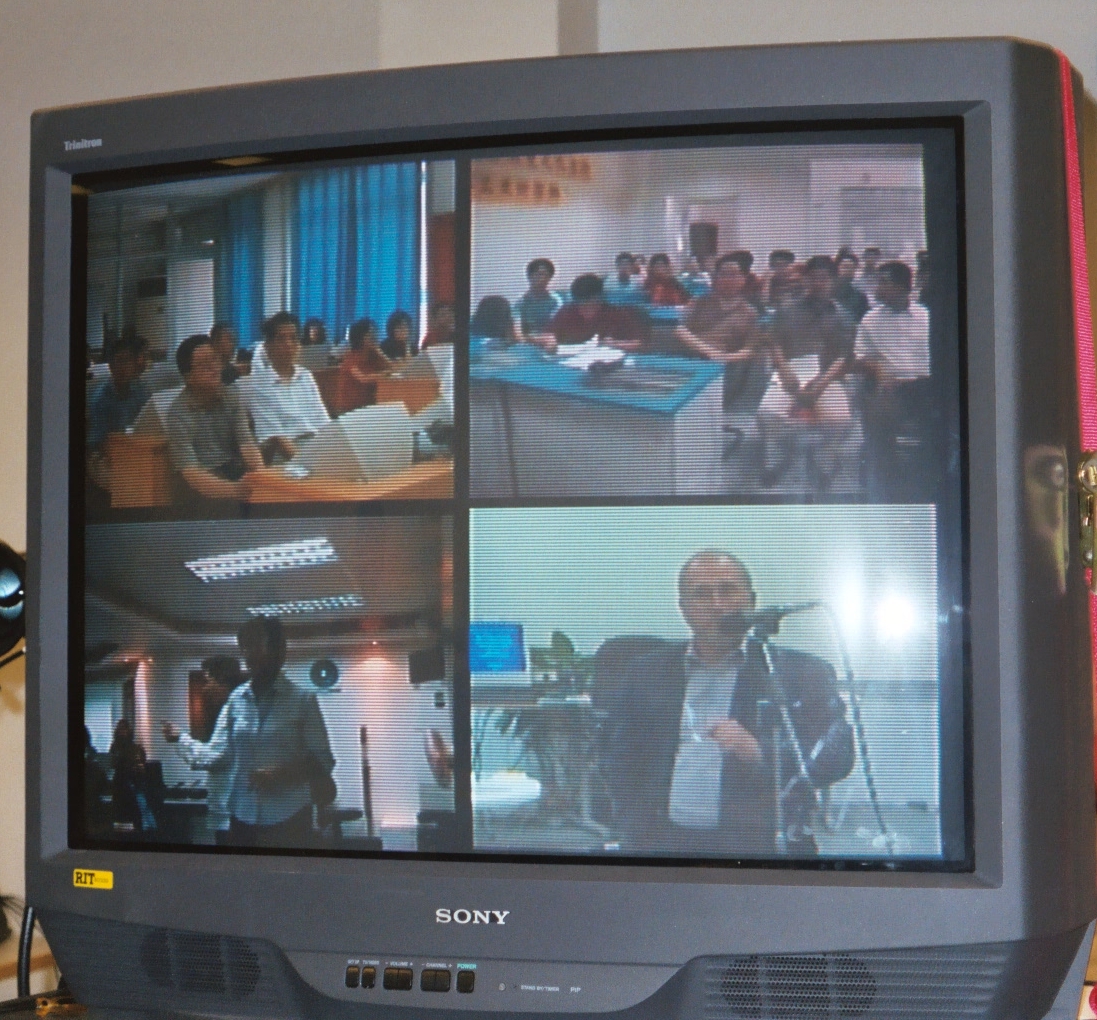
- Some off-site sessions were delivered via video
|
|
28
|
- Presentations repeated for China and Philippines during the evening-
(day)
|
|
29
|
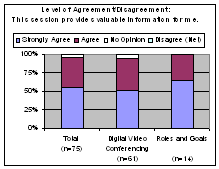
- Video conference evaluations very positive.
|
|
30
|
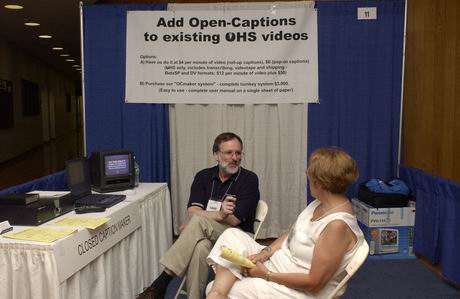
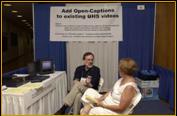
- Captioned Video on WWW Site
|
|
31
|
|
|
32
|
- What did you like most about the Symposium?
- Networking - 24%
- Positive Comments about Organization of Symposium - 22%
- New Ideas/Technology/Hands-on Demonstrations - 17%
- Variety of Sessions/Subject Matters - 12%
- Variety of Presenters/Good Mix - 12%
- Dissemination/Sharing of Information - 12%
- Positive Comments about Presenters - 7%
- Pre-conference Workshops - 5%
- Interpreting/Captions - 5%
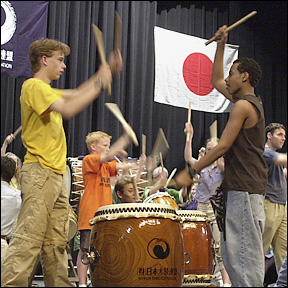
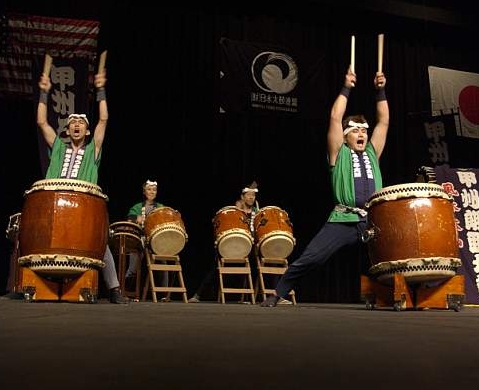
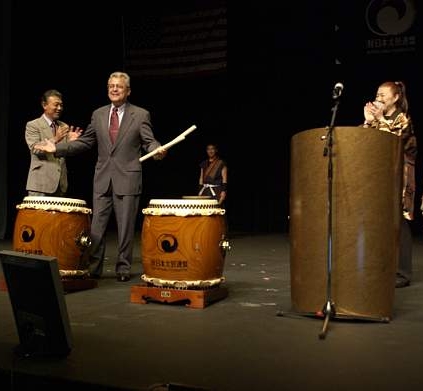
- Taiko Drummers - 5%
|
|
33
|
- Based on your Symposium experiences, what changes will you make at your
worksite, your professional development activities, or your studies?
- Share/Recommend/Integrate Information/Technology - 41%
- Follow-up with Key Contacts -
12%
- New Ideas for Research Topics - 5%
- Better Informed/Understanding of Technology - 5%
- Use Website as Reference - 5%
|
|
34
|
|
|
35
|
|
|
36
|
|
|
37
|
- June 27-June 30, 2005
- http://www.rit.edu/~techsym
|

 Notes
Notes