August 2025 Issue

CTL Newsletter


Welcome to Fall 2025!
Welcome back from what I hope was a long, relaxing summer period. CTL has been busy repairing classrooms, enhancing teaching technologies, and preparing a whole new set of activities and events for you for the Fall and Spring. Have questions or need support? CTL Staff and Faculty Fellows have your back in support of your teaching and learning endeavors.

Neil Hair
Executive Director, Center for Teaching and Learning


News + Updates

placeholder image

Jump-Start Your Semester: Three Quick Teaching Tips
Start strong this semester with practical ideas to make your syllabus, first day, and presentations more engaging. >

placeholder image

Get to know YOUR Faculty Fellow
With new Fellows joining and others stepping into fresh roles, the 2025–26 Faculty Fellows cohort is ready to support teaching across RIT. >

placeholder image

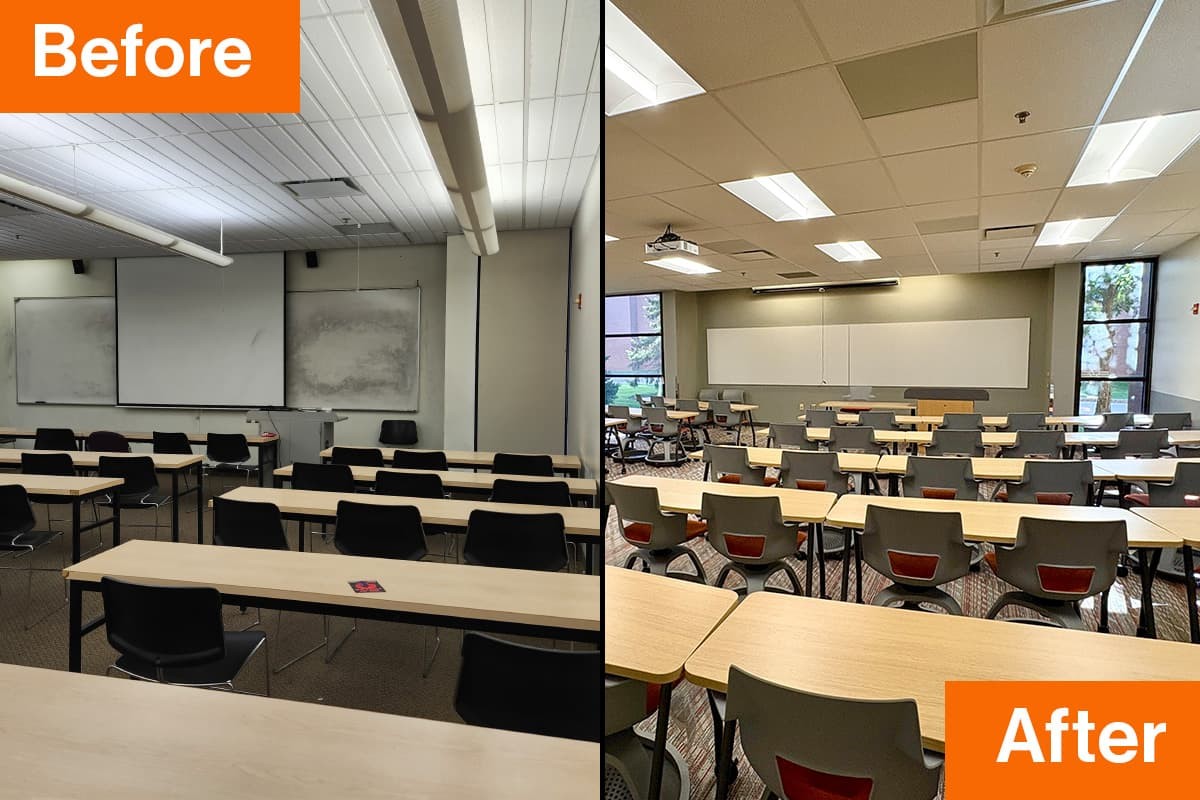
Upgraded Learning Spaces: 20 Classrooms Transformed
Faculty and students will return to refreshed classrooms designed for smoother teaching and more dynamic learning. >

placeholder image

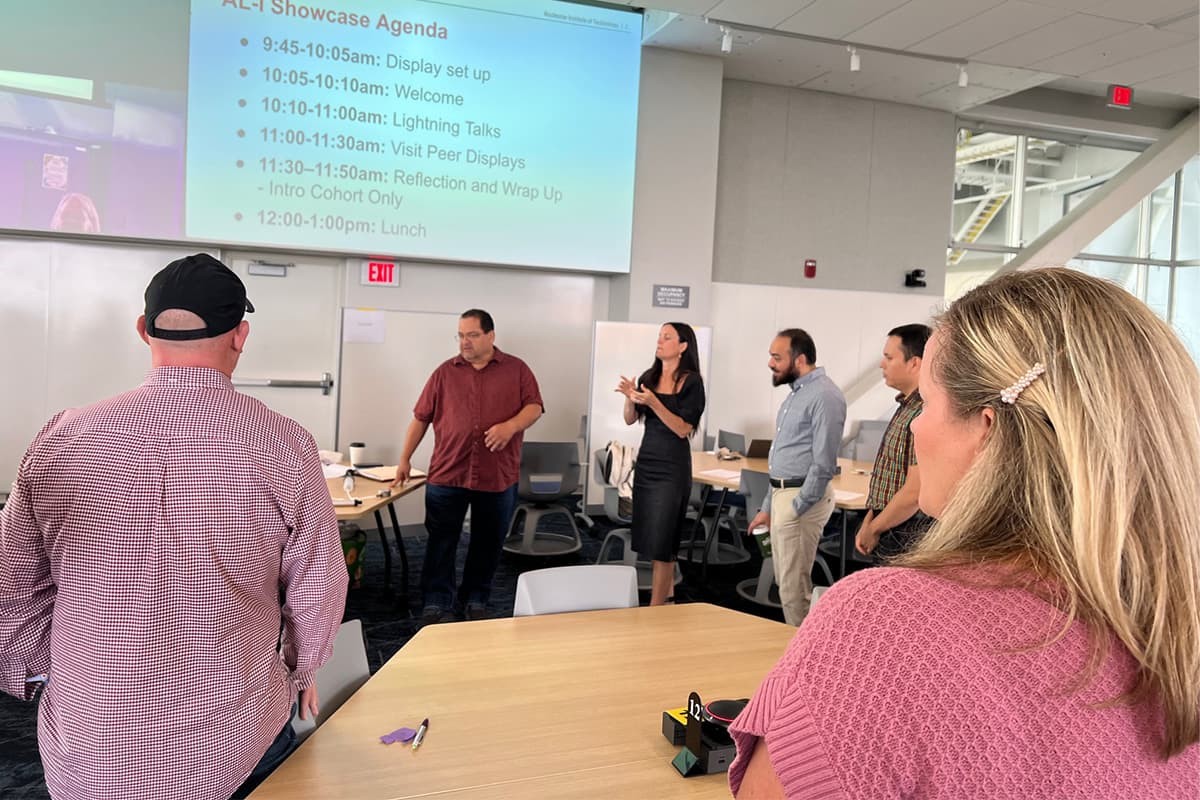
Sparking Teaching Innovation: Highlights of the Summer ActiveLearn Institutes
With fresh ideas, redesigned assignments, and renewed energy, RIT faculty left the 2025 ActiveLearn Institutes ready to make learning more engaging and impactful than ever. >

placeholder image

myCourses Updates: What’s new in the Fall 2025 semester
A number of updates occurred in myCourses (Brightspace) over the summer with the goal of improving the student and faculty experience. Check out what’s new. >

Classroom Reminder

We’re glad to see you back on campus as the new semester begins! To help you start strong, here are a few key things to keep in mind:

Get to Know Your Classroom
Explore the Classroom Feature Resource on the CTL website—a quick way to find details on classroom layouts, AV equipment, and other key features.

Before your First Day:

  • Check Out the Classroom: Consider visiting your assigned classroom.
  • Verify Laptop Compatibility: Make sure your laptop works with your assigned classroom technology (and bring the right adapters).
  • Update and Restart your Laptops: Restart your laptop with the latest updates installed for a hassle-free audiovisual experience. Reach out to your department's technical support for any questions or assistance you may need.

Still have questions?
Request a 1:1 training/setup session with our Classroom Technology team through help.rit.edu (Class Tech Support Form)

Upcoming Events

Using Copilot for Course Design  AUG 20
Learn to use Copilot to draft syllabi, learning objectives, assignment instructions, and rubrics as you prepare to teach this semester.

Course Prep Drop-In Session with Faculty Fellows  AUG 21
Need time to work on your Fall course? Interested in collaborating with peers? Join your CTL Faculty Fellows at this informal drop-in session.

Intro to Teaching Technologies at RIT  AUG 21 | AUG 28
Explore essential tools for instructors, including myCourses for course management, Panopto for videos, Ally for accessibility, Gradescope for grading, Zoom for online classes, and supported AI tools linked to our Google Suite/Microsoft 365.

Starfish for Academic Alerts  AUG 21
This session is designed to empower faculty with the tools to support student success through early alert and intervention strategies.

myCourses Help Session  AUG 22 | AUG 26
myCourses, RIT's learning management system, can be used to help your students be successful whether the course is fully in-person or fully online.

From Student to TA: Leading the Learning Experience as an Undergraduate Teaching Assistant  AUG 26 | AUG 27
Open to all undersgraduate TA"s, SI's and instructional support employees, we will provide a crash course on getting started as a TA and stepping up your TA game in the classroom!

Teaching at RIT: Open Q&A for New Instructors  AUG 27 | AUG 29
Drop in Zoom session for faculty, especially those new to RIT, to ask any question they want about teaching.

See full list of events

Tools for Teaching

myCourses
Learning Management System (LMS) used to share course expectations, course materials, and activity instructions to students.

Zoom
Video conferencing solution used to facilitate synchronous remote classes, include guest speakers, and provide additional collaboration opportunities. 

Panopto
Video hosting platform used to store asynchronous course videos for streaming in myCourses.

View the full list of tools