Support




PEM2® Recalibration Services
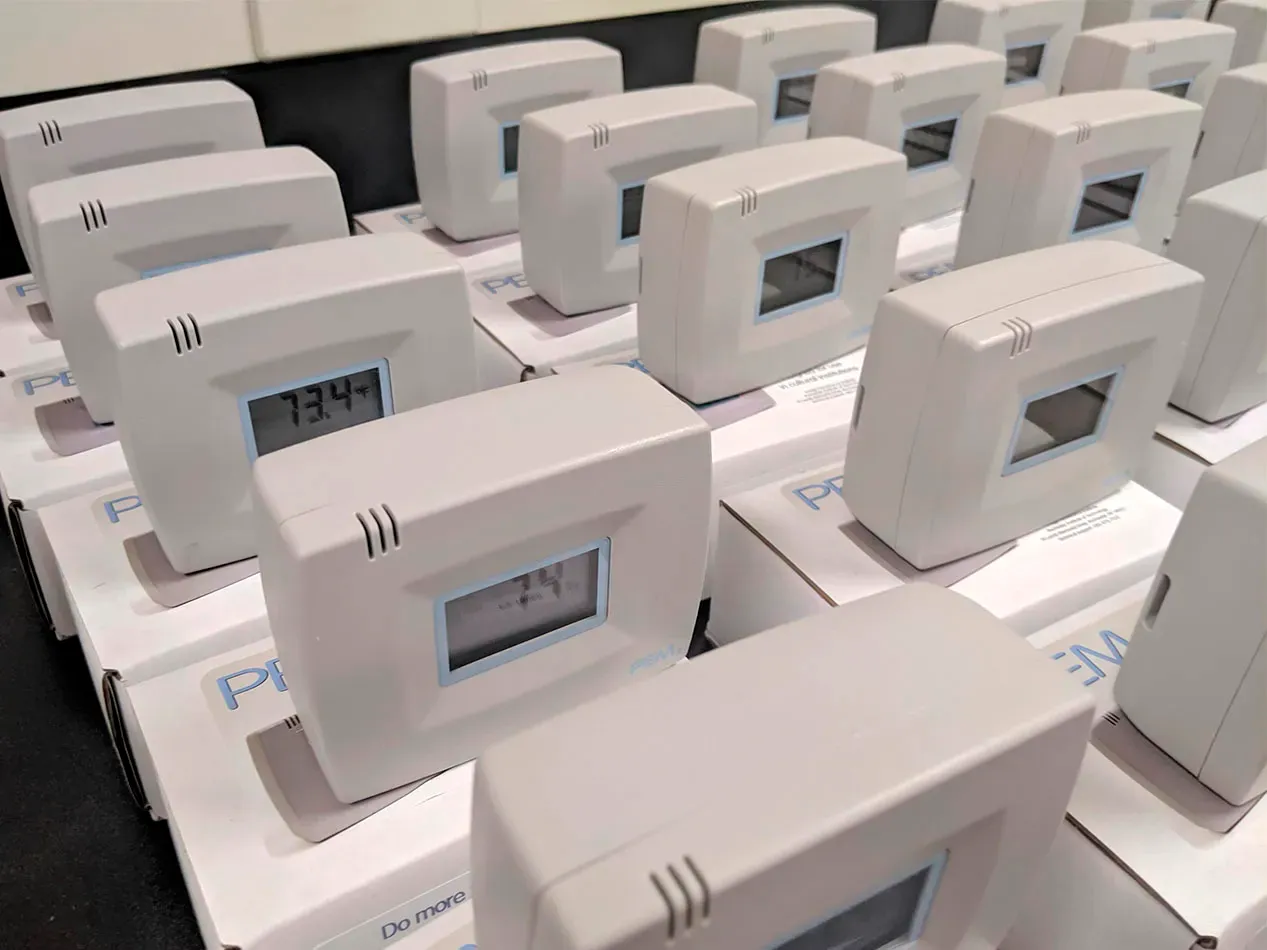
Recalibrating your PEM2 for temperature and RH accuracy is recommended every three years. Recalibration service includes sensor recalibration or replacement, battery replacement, firmware upgrade if applicable, and issuance of a new certificate of calibration.
IMPORTANT NOTICE: PEM2 recalibration services will be discontinued in calendar year 2027. IPI will continue to accept service requests until December 31, 2026. Once requests received by that date are completed, PEM2 services will be ended. PEM2 files will continue to be supported by eClimateNotebook, and we will continue to support PEM2 usage. Customers can reach out to the PEM services team at ipitechsupport@rit.edu to request command files (e.g., timestamp updates, datalogger display & recording, reading data, clearing data, etc.).
In general, eClimateNotebook (eCNB) works with any datalogger - manual or wireless - that can export data as a .CSV file with columns for date/time, temperature, and relative humidity from a range of different logger manufacturers. Contact us if you have questions about specific .CSV formats/types.
If you are looking to purchase new loggers, IPI has a partnership with LiCor, maker of HOBO data loggers, that allows eCNB subscribers to save 5% off the price of HOBO monitoring products that are eClimateNotebook compatible. Data logger options include manual or wireless .CSV file exports that can then be uploaded to eCNB. Visit the HOBO/eCNB compatible equipment page for more information. Use promotional code eClimateNotebook5 at the time of purchase to save. A portion of the proceeds from these sales is returned to IPI to support our mission.