Overview of Demo Course Shells
Designing or refreshing a myCourses site can feel overwhelming, especially when you are deciding how to structure content, communicate expectations, and create an engaging learning experience.
The CTL offers a curated set of faculty and CTL-developed demo courses to illustrate myCourses’ features and capabilities. We also provide an Online Course Design Checklist (OCDC), which can be used to evaluate key course design elements. Together, these resources provide concrete models and practical guidance you can use to build or revise your own course.
Here are a few things to consider as you explore the resources below:
- These courses represent a snapshot in time and may not reflect the most recent tools or features available in myCourses.
- Each course reflects the pedagogical choices and teaching style of the faculty member or instructional designer; there is no single “correct” model.
- Looking outside your discipline can be especially helpful as you compare approaches to navigation, communication, assessment, and student engagement.
Faculty Course Examples
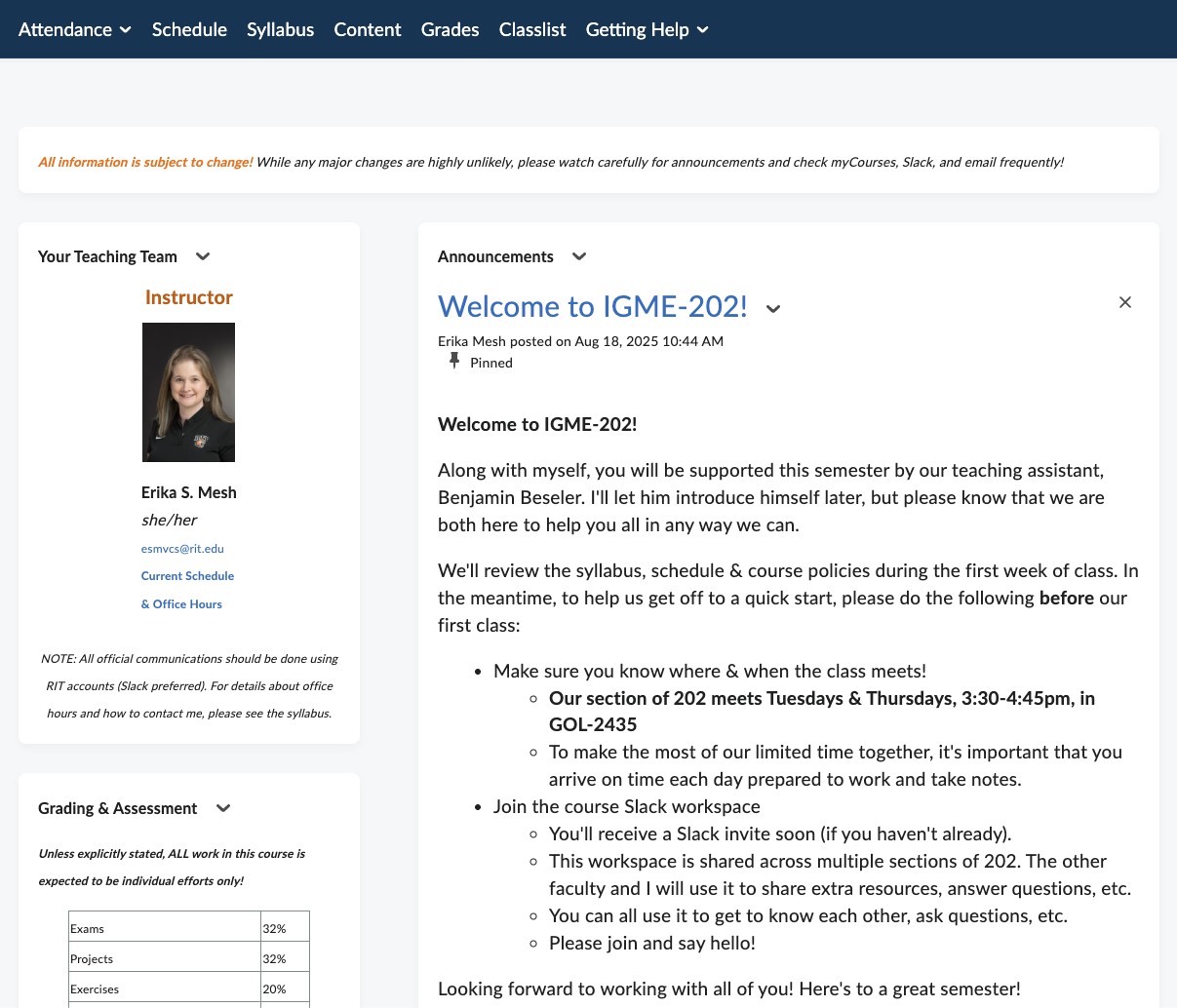
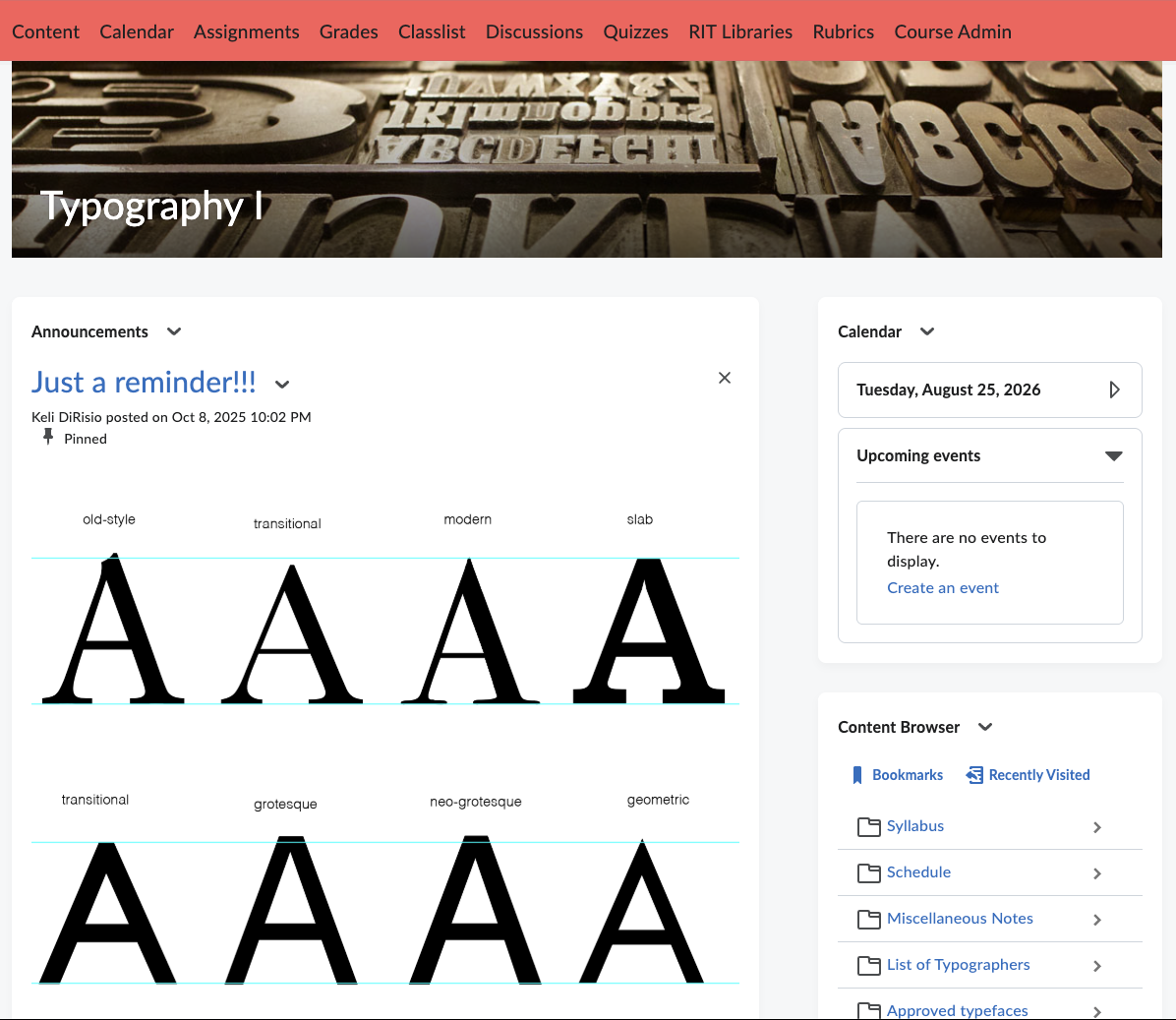
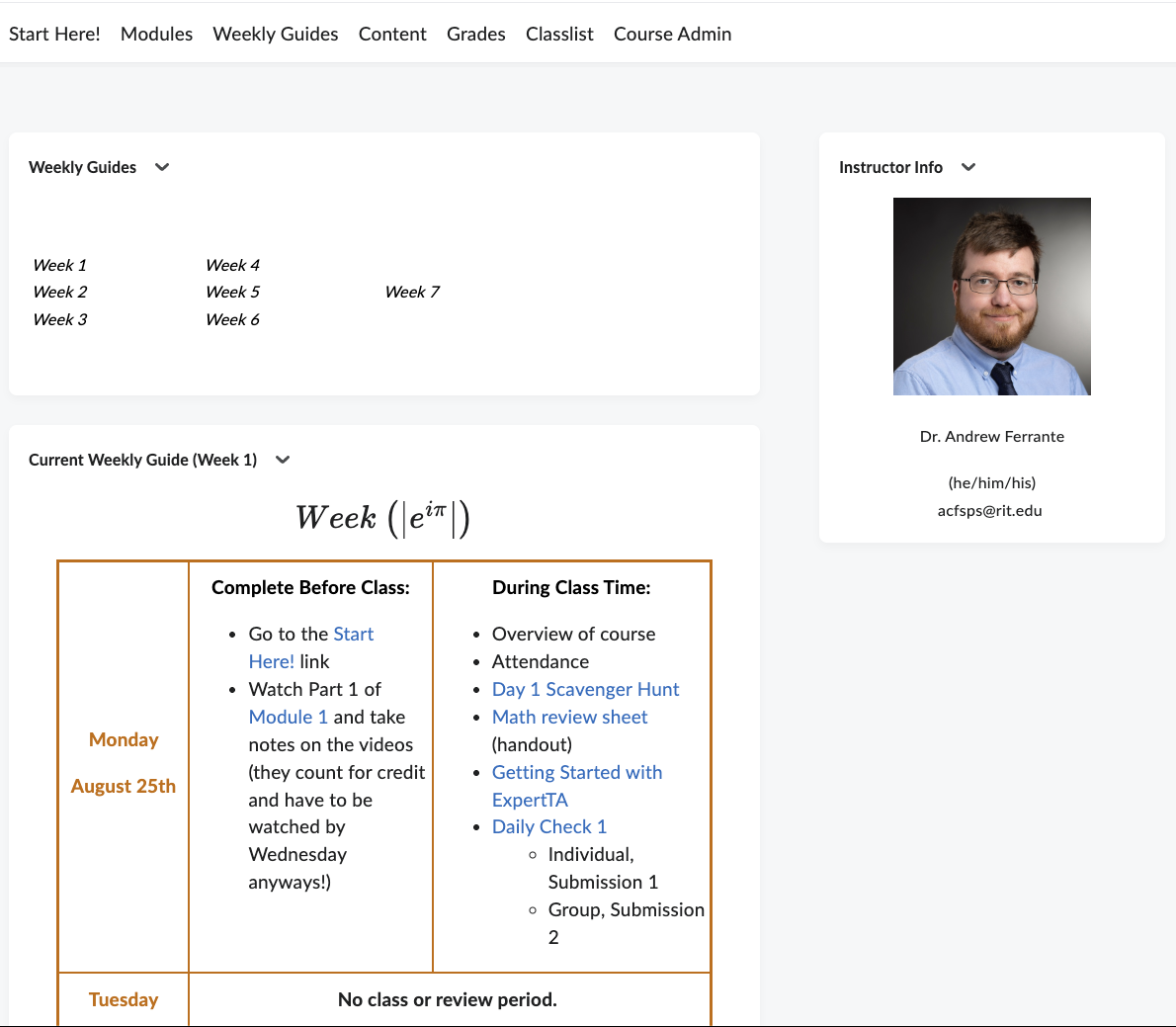
The faculty demo course shells showcase how some instructors at RIT design, structure, and teach their classes. These examples reveal diverse approaches to presenting content, organizing modules or weeks, establishing instructor presence, and fostering interaction.
As you explore, consider how each course addresses the key areas highlighted in the OCDC, such as how students are oriented to the course, how weekly or module-level expectations are communicated, and how learning activities support course outcomes.
Click on one of the images below to learn more and self-enroll in the demo course.
Instructional Designer Course Examples
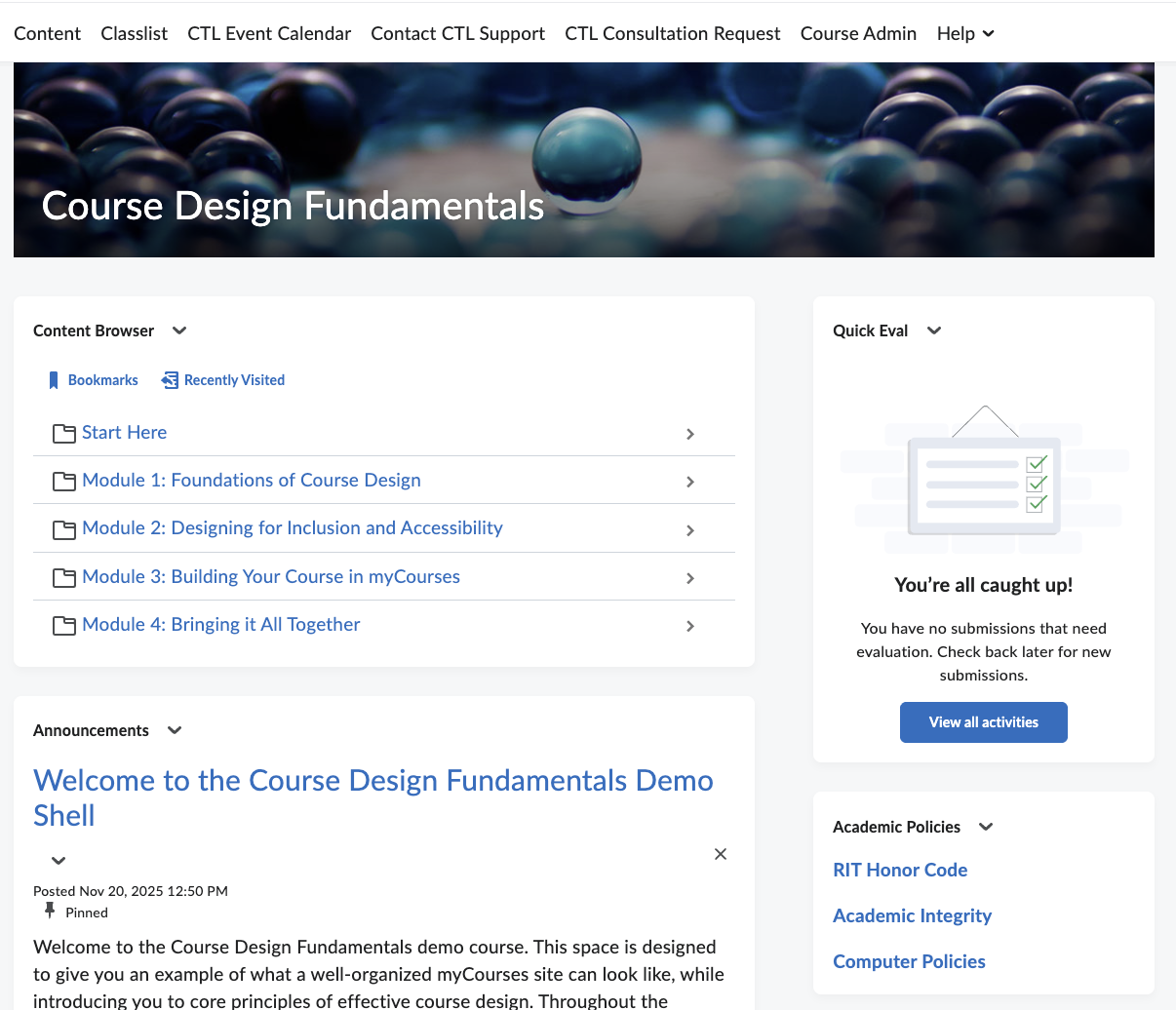
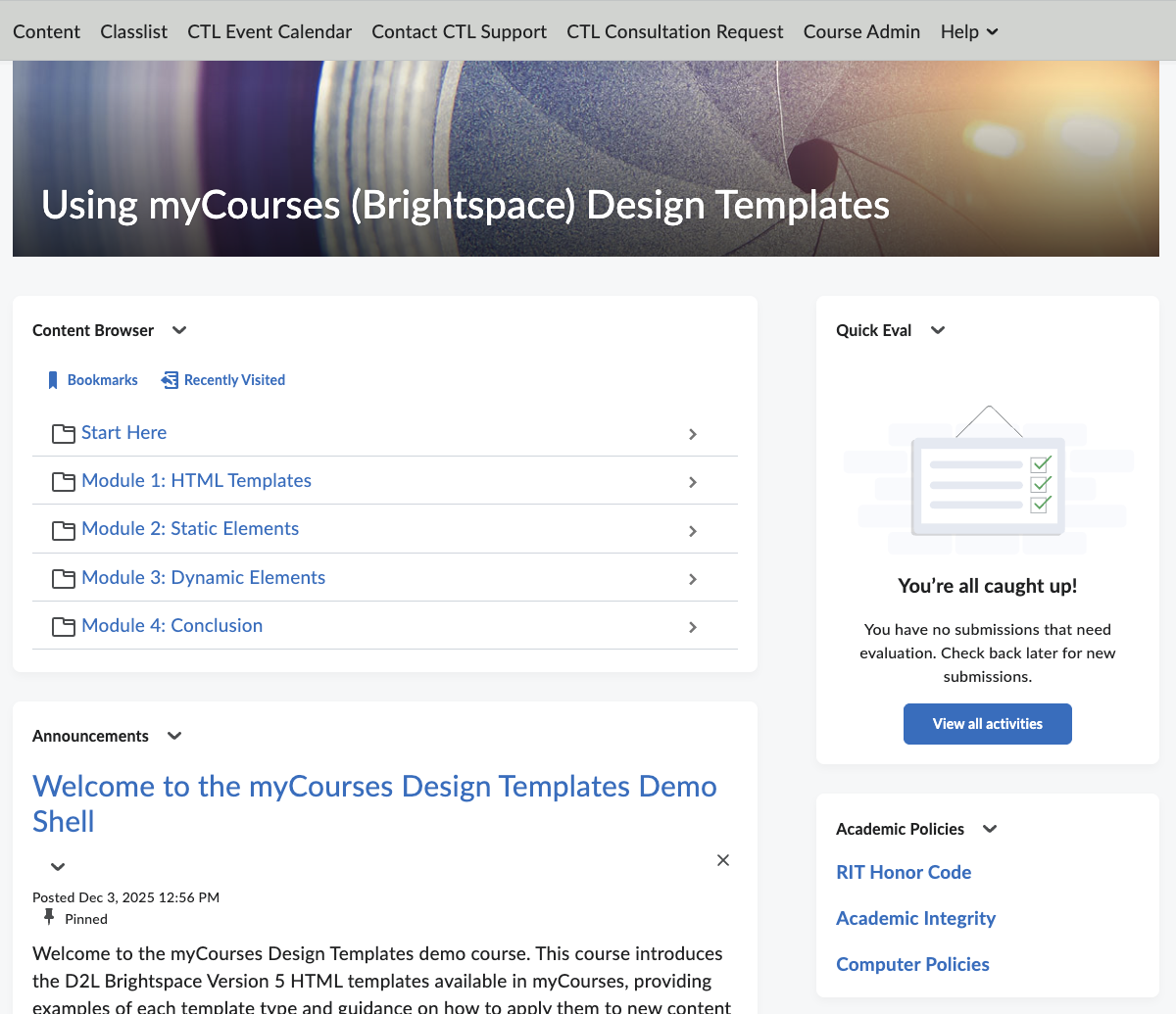
The two CTL-developed instructional designer shells, Course Design Fundamentals and Using myCourses (Brightspace) Design Templates, offer course models grounded in current best practices. These shells illustrate clear navigation strategies, accessible content structures, effective use of HTML templates, and thoughtful alignment among learning outcomes, activities, and assessments. These shells highlight essential design elements that can maximize the effectiveness of myCourses and support faculty in learning how to use them in a clean, consistent way.
Click on one of the images below to learn more and self-enroll in the demo course.
Interested in Building or Revising Your Course?
Instructional Designers in the CTL are happy to help you adapt these models to your teaching needs. Request a consultation to get started.