Printing at RIT

Whether you need to print class materials, posters or specialty projects, RIT offers printing options to meet a variety of needs across campus.
Print From Anywhere (pilot program)
Choose Your Printing Method
Print from your laptop, tablet, or phone then securely release your documents at participating printers using your RIT ID.
1. Web Print (no installation required)
Print from any device using a web browser.
Best if you don't want to install software and are printing supported file types.
-
Supported files: PDF, JPEG, PNG, BMP, GIF, TIFF.
2. Install Printer Software
Install the Print From Anywhere software on your personal device or ITS managed device to print directly from your applications.
Best if you print regularly, need access to advanced settings (page ranges, double-sided, paper size), prefer not to save and upload files through a browser each time, or want to print directly from apps like Word, PowerPoint, Excel, or Photoshop.
- Personal device: Install printer software
- ITS managed device: Install printer software
Print and Release Your Documents
Web Print:
- Log in to the portal at webprint.rit.edu using your RIT account and submit your print job
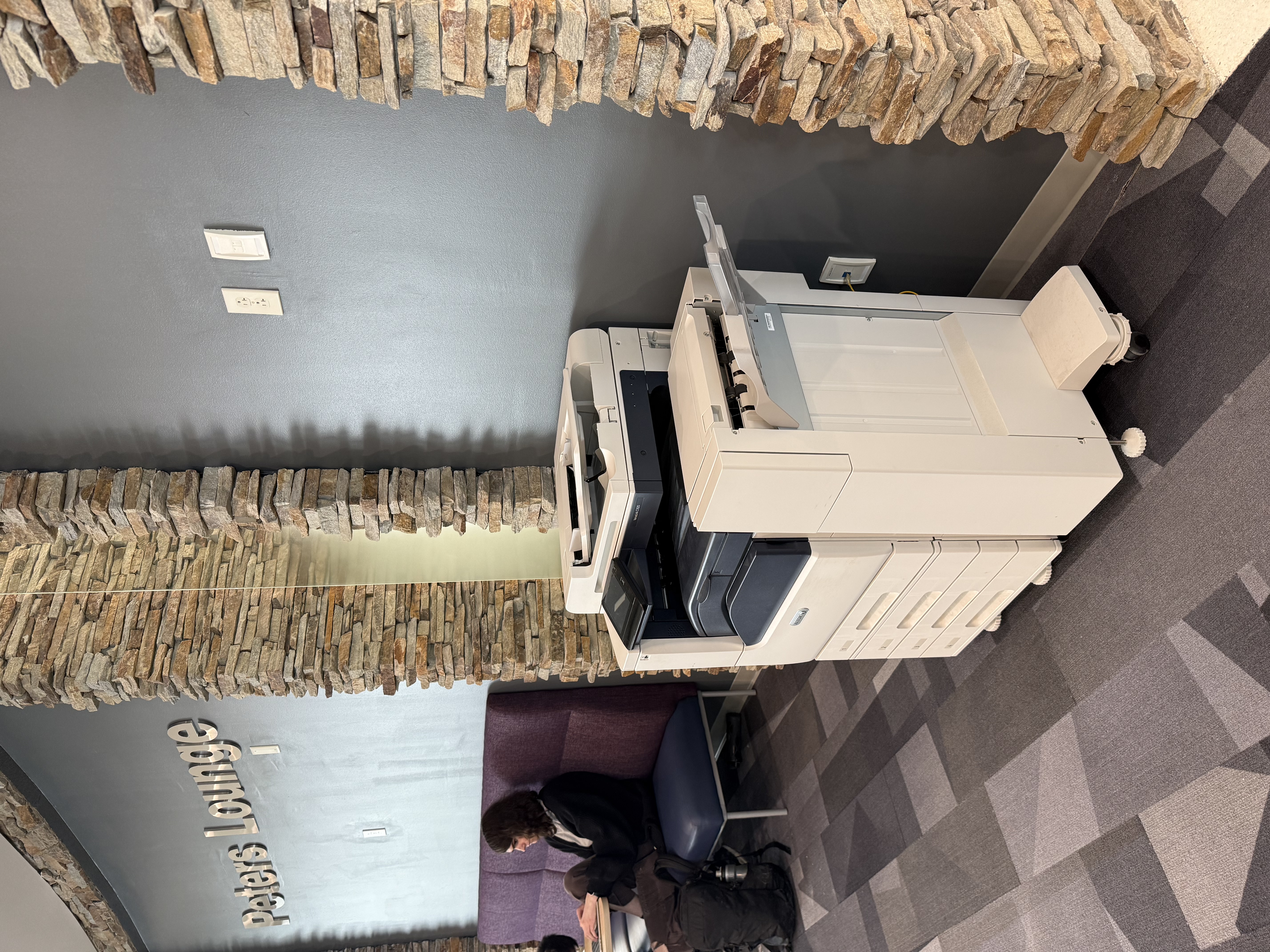
- Visit any participating printer and tap your RIT ID to view your print queue.
- Select and release your print job.
*Print jobs remain available for 48 hours.
Need more information? Visit the How to Release and Print Documents Using your ID Card knowledge base article.
Print Credits
Students receive 500 print credits each semester. Print credits are deducted only when a print job is released. View your remaining balance in the Summary tab at webprint.rit.edu
- Black-and-white, single-sided page: 1 credit
- Color, single-sided page: 4 credits
*Unreleased jobs are automatically removed after 48 hours, and no printing credits are deducted.

Print From Anywhere Help
Have questions? Check out our Getting Started guide!
Having issues? Submit a ticket at Print From Anywhere Assistance or call the RIT Service Center at 585-475-5000.