NMD November brings a month of workshops and guest lectures
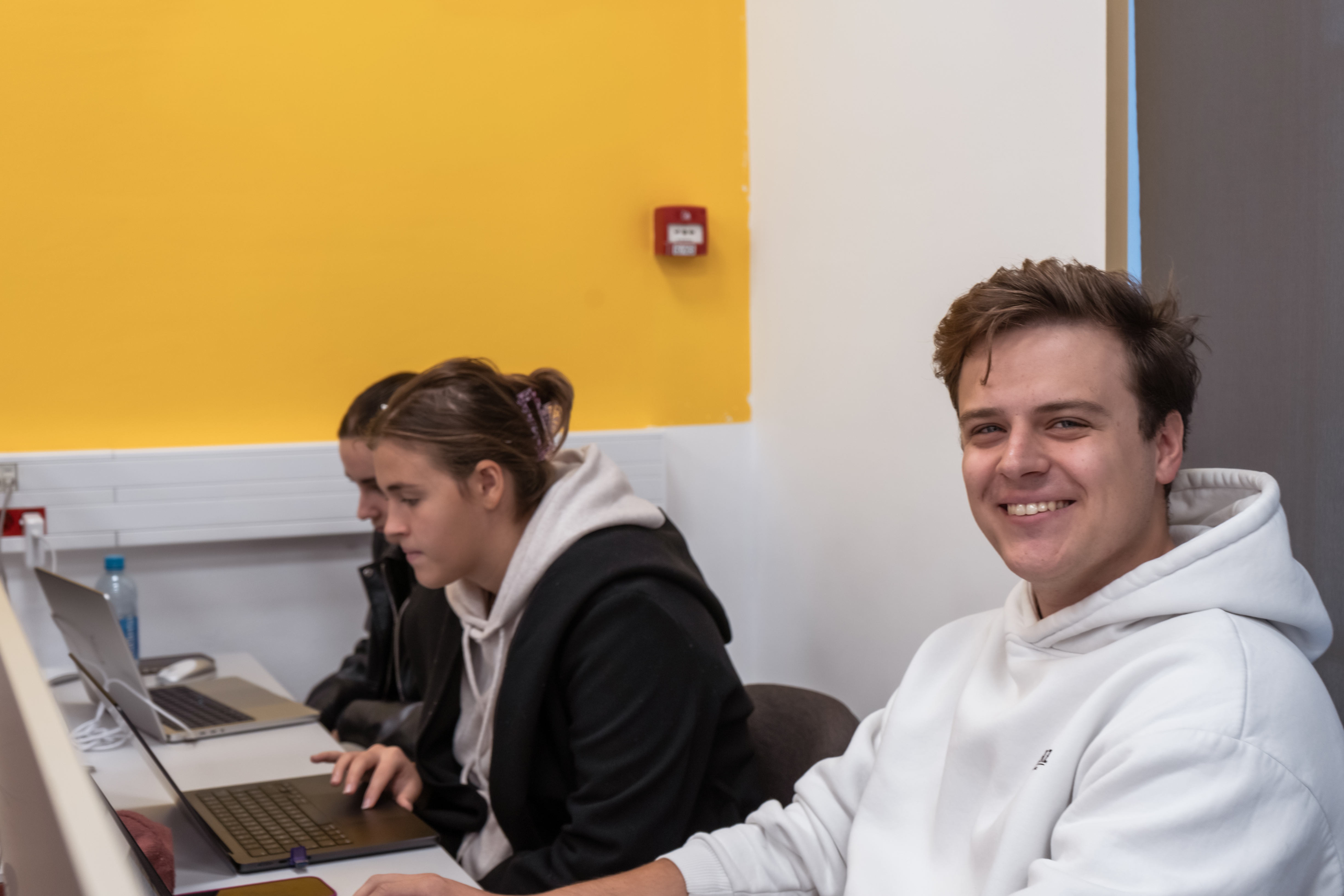
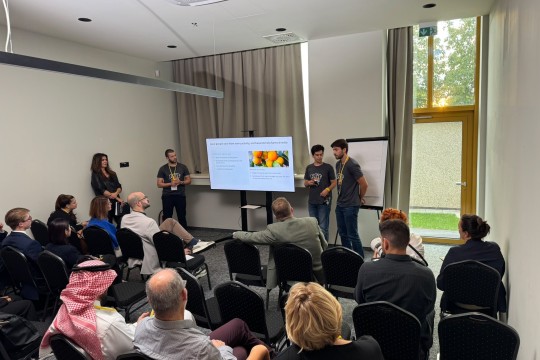
This November, RIT Croatia’s New Media Design program is turning the Zagreb campus into a space for learning, experimenting and making.
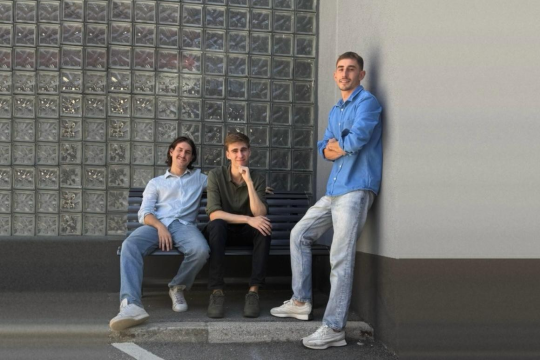
The project brings together 12 workshops and guest lectures from New Media Design, covering everything from cinematography, illustration and typography to 3D design, photography, electronics, AI-assisted coding and intellectual property. At the heart of NMD November are workshops led by senior New Media Design students as part of Capstone 1, with this month-long initiative organized by our New Media Design faculty, Dr. Mia Klemenčić.
The idea behind NMD November is simple: to create more opportunities to learn by doing, explore areas outside the everyday classroom experience and connect with professionals working in creative industries. Most sessions are designed to be accessible to beginners, so participants don’t need previous experience to join. The project is open to RIT Croatia students, faculty, staff and alumni. Whether you want to try a new creative tool, develop a practical skill, hear directly from professionals or simply explore something you haven’t done before, there is plenty to choose from.
Below is the full list of activities, and you can apply by registering HERE:
1. Cinematography Workshop: Light, Motion, Tension
How does a few seconds of film create so much tension? In this short workshop, you recreate a moment from the Joker interrogation scene in The Dark Knight. You’ll match its framing, performance and mood using a simple three-light setup against a dark backdrop, and learn how key, fill and edge light shape what the viewer feels. Along the way, you compare shutter speeds to see how they change motion blur and get a quick look at green screen keying in After Effects.
Each group films three short shots (a medium shot, a close-up and an insert), rotating between camera, lighting and performance. Then you cut them together into one scene and explain one camera or lighting choice you made.
When and where: Tuesday 3 November, 12:00–13:50, Room 7.
Who it’s for: Beginners. No filmmaking experience needed.
Duration: 60 minutes in total. Groups of 3–4 take turns, about 30 minutes each.
What you’ll make: A 10–15 second, three-shot scene.
What to bring: Nothing. Equipment and software are provided.
Workshop instructors: Dinmukhamed Beisenov, Maro Missoni, Aleksandar Deskoski
2. Illustration & Typography Intro
Ever wondered how illustration, script and typography work, and where to start if you want to try them? This short introduction gives you a first look at the craft and the field behind it. You’ll see what these disciplines involve and which techniques designers use, so you can decide where you’d like to go deeper.
The session is designed for mixed levels, so whether you’ve never drawn a letter or already love illustration, you’ll find something to take with you.
When and where: Tuesday 3 November, Room 7, within the 12:00–13:50 slot.
Who it’s for: All levels. Designed for beginners, and no experience is needed.
Duration: 30 minutes.
What you’ll take away: A first look at illustration, script and typography, and ideas for where to go next.
What to bring: Your curiosity.
Workshop instructors: Mia Juric, Sandra Prasnikar, Matija Mravunac
3. Secret Workshop
Shh... we can’t tell you what’s happening behind this door. All we can say is that it’s creative, hands-on and a little bit of a surprise. Come with your curiosity and some basic knowledge of Adobe Illustrator, and we’ll take care of the rest.
When and where: Thursday 5 November, 8:30–11:20, Room 35 and Lab 9.
Who it’s for: Beginners and up. Basic knowledge of Adobe Illustrator is needed. Difficulty is about 6 out of 10, and groups work according to their skills.
Duration: About 2 hours 50 minutes.
What to bring: Nothing. Computers, software and art supplies are provided. Just show up.
Workshop instructors: Nusta Sesiashvili, Klara Cubic, Una Vojvodic, Glorija Istuk
4. Symbol Agency: Guest Lecture with Marko Jovanovac
Curious what a career in design looks like from the inside? In this guest lecture, Marko Jovanovac of Symbol Agency tells the story of his path as a designer, shows what he and the agency work on and shares what he has learned along the way.
You also get practical advice on building a portfolio, among other tips for getting started. There is room for your questions, so you can hear straight from a working designer what the industry expects.
When and where: Tuesday 10 November, 12:00–13:50, Room 7.
Who it’s for: All levels. Especially useful if you’re starting to think about your portfolio and your first steps in the field.
Duration: 90 minutes.
What you’ll take away: A look at a designer’s career path, real examples of studio work and practical portfolio advice.
What to bring: Your questions.
5. Intro to 3D Design
Ever wanted to try 3D design but didn’t know where to start? This workshop is a simple, friendly introduction. We begin with what 3D design is, what you can do with it, what hardware it needs and which jobs involve it. Then we open Blender, a free 3D program, and show you the basic controls and where everything is.
From there, you follow along step by step. You model an object, set up lighting and render your scene into an image.
When and where: Thursday 12 November, 17:30–20:00, Lab 46.
Who it’s for: Complete beginners. No experience needed.
Duration: Around 2.5 hours.
What you’ll make: A 3D tree with a basic background, rendered as an image.
What to bring: Nothing. Blender is installed on the computers, and you’re welcome to bring your own laptop.
Workshop instructors: Petar Vrljic, Sven Culjak, Lucija Matkovic
6. Lettering Daily: Guest Lecture with Max Juric
Curious how illustrators and typographers work, and what a career in the field can look like? In this guest lecture, Max Juric gives an insight into the craft, the work field and the techniques behind it. You’ll learn which career options exist, how people get started and what the industry expects. There is plenty of time for questions, so you can get real feedback straight from a professional.
You also get a Figma work-kit, a collection of resources and techniques for illustration, script and typography that you can keep and use in your own projects.
When and where: Tuesday 17 November, 11:00–12:00, Room 35.
Who it’s for: All levels. The session is designed for beginners, and no experience is needed.
Duration: 1 hour.
What you’ll take away: New insight into the field, answers to your own questions and a Figma work-kit.
What to bring: Your questions.
7. Intellectual Property Law: Guest Lecture Dina Korper Žemva
Who owns the work you make, and what can you do with it? In this guest lecture, intellectual property lawyer Dina Korper Žemva of Korper & Partneri explains the legal side of creative work in plain language.
She covers the questions every designer meets sooner or later:
- Your work: who owns student projects and how to protect your designs from being copied.
- Clients and contracts: how to agree on payment and deadlines, and what rights a client gets.
- Other people's material: when you can use someone else's photos, music, fonts or code.
- AI: what rights you have in work made with AI tools.
- Trademarks, patents and privacy: what they protect and when they matter for your project.
When and where: Tuesday 17 November, 12:00–13:50, room to be confirmed.
Who it’s for: All levels. No legal knowledge needed.
Duration: 90 minutes.
What you’ll take away: Clear answers to the most common legal questions about your own work, and a better idea of what to check before you sign, share or sell a project.
What to bring: Your questions, especially about a real project or contract you’re dealing with.
8. Holographic Effect in TouchDesigner
Want to give any image a glowing, holographic look? In this hands-on workshop, you build a holographic effect in TouchDesigner, a node-based tool used for visuals, motion and interactive design. We start with a short introduction to the program and a demo of the finished effect. Then we build it together step by step, explaining why each node is connected the way it is.
You work with an image of your choice, so the result is yours. You leave with a project file you can reuse on any image, and you get time at the end to explore and push the effect further on your own.
When and where: Thursday 19 November, 12:00–14:00, Lab 12.
Who it’s for: Beginners. No prior experience with TouchDesigner needed.
Duration: 90 minutes.
What you’ll make: A working holographic effect project file.
What to bring: An image of your choice, and a laptop with TouchDesigner installed and signed in if you have one. Lab computers are available otherwise.
Workshop instructors: Pavla Bervida, Deni Lukacic
9. 3D Printing Basics: From Clay to Print
Ever wondered how a digital file turns into a real object? In this hands-on workshop, we introduce the basics of 3D printing and the different additive manufacturing methods. Then we show you how to set up a 3D printer, from loading the filament to preparing the print file. While the printer gets to work on a model, you make your own clay models by hand. We finish by comparing both approaches and talking about what you like about traditional methods. We’ll also share ideas for finishing your prints, such as painting and sanding.
You leave knowing how to 3D print with the printer and feeling more confident about using it in your own projects. A short quiz at the end gives you the chance to win a 3D print as a prize.
When and where: Thursday 19 November, 14:00–15:30, Room 7 and Room 27.
Who it’s for: Beginners. No experience needed, and we’ll help everyone along the way.
Duration: 90 minutes.
What you’ll make: Your own clay models, plus a first look at how a 3D print is set up and started.
What to bring: Printer, clay and materials are provided. We also share slides and a tutorial you can review later.
Workshop instructors: Leyla Gasimova, Shivika Chopra, Ante Jurilj
10. Arduino Due Tre: Arduino and Sensors
Ever wondered how a few wires, a small board and some code turn into something that senses and reacts to the world? In this workshop, we show you what an Arduino is, how its parts fit together and how sensors connect to the board. We start with a short walkthrough of the board and its connections. Then we demonstrate how each sensor is attached and how it behaves, including a light controlled by a touch sensor.
Then it’s your turn. We take everything apart, and you rebuild the connections yourself, one part at a time, following a diagram on screen. You leave with an overview of the whole system (code, sensors and board working together) and the confidence to use it in your own projects.
When and where: Tuesday 24 November, 12:30–13:50, Room 7.
Who it’s for: Anyone curious about electronics. No experience needed. You learn as much as you want to dig into.
Duration: 60 minutes.
What you’ll make: A working circuit with sensors connected to an Arduino board.
What to bring: Your curiosity.
Workshop instructors: Ida Mihaica, Tia Dizdarevic, Asita Singh
11. Photography Workshop: Shoot Your Shot
What turns a snapshot into a photograph you’re proud of? In this workshop, you take your own photos around campus and then edit them in Adobe Lightroom. We start with the basics of how a camera works and a short photography introduction. Then we go step by step through importing, editing and color grading, and you learn how light and shadow shape the look of an image. You’ll also see how Lightroom compares with Photoshop, and when to use which.
You edit one photo, save your look as a custom preset and apply it to a second photo. Finally, you export your finished images.
When and where: Thursday 26 November, 12:00–13:30, Lab 12.
Who it’s for: Beginners. No photography or editing experience needed.
Duration: 75 minutes.
What you’ll make: Two edited photographs and your own custom Lightroom preset.
What to bring: Cameras and computers with Lightroom are provided. Your phone is a handy backup for taking photos.
Workshop instructors: Ira Butula, Divo Vidak, Leon Krile
12. How (did you [make] this?): LLM-assisted coding in design
How can you use AI as an ally in your design process rather than a replacement for it? In this workshop, we build a website step by step using AI generators like Lovable or v0, working from pre-made prompts. We add more detail and context at each stage and compare the results, so you see first-hand that AI’s randomness can be kept under control and steered toward your own vision.
In the second part, we discuss how to stand out when building functional things has become easy, how to give AI-generated work personality, and which methods lead to more intentional output (Claude Code, context engineering, connecting with Figma). We’ll also walk through the repository of the website we use as our presentation.
When and where: Thursday 26 November, 15:30–18:00, Lab 3.
Who it’s for: Beginners. No prior design knowledge needed.
Duration: 2 hours 30 minutes
What you’ll make: Your own website.
What to bring: Nothing for the first part. For the second part, VS Code and basic HTML/CSS knowledge will help, but aren’t required.
Workshop instructors: Nora Miskulin, Maxwell Sibley